
MegaTGAI · Practical guide
Conversations from all Telegram accounts in one panel — Telegram CRM
Keep every conversation in one place, even when working with 1,000 Telegram accounts. No session switching: find a person, read the history and reply from the MegaTGAI panel.
Click a screenshot to enlarge it.
See every conversation
Open Conversations panel from the application overview. A message received by any connected Telegram account usually appears here within 2–10 seconds. Search, unread markers and funnel stages help you decide whom to answer next.
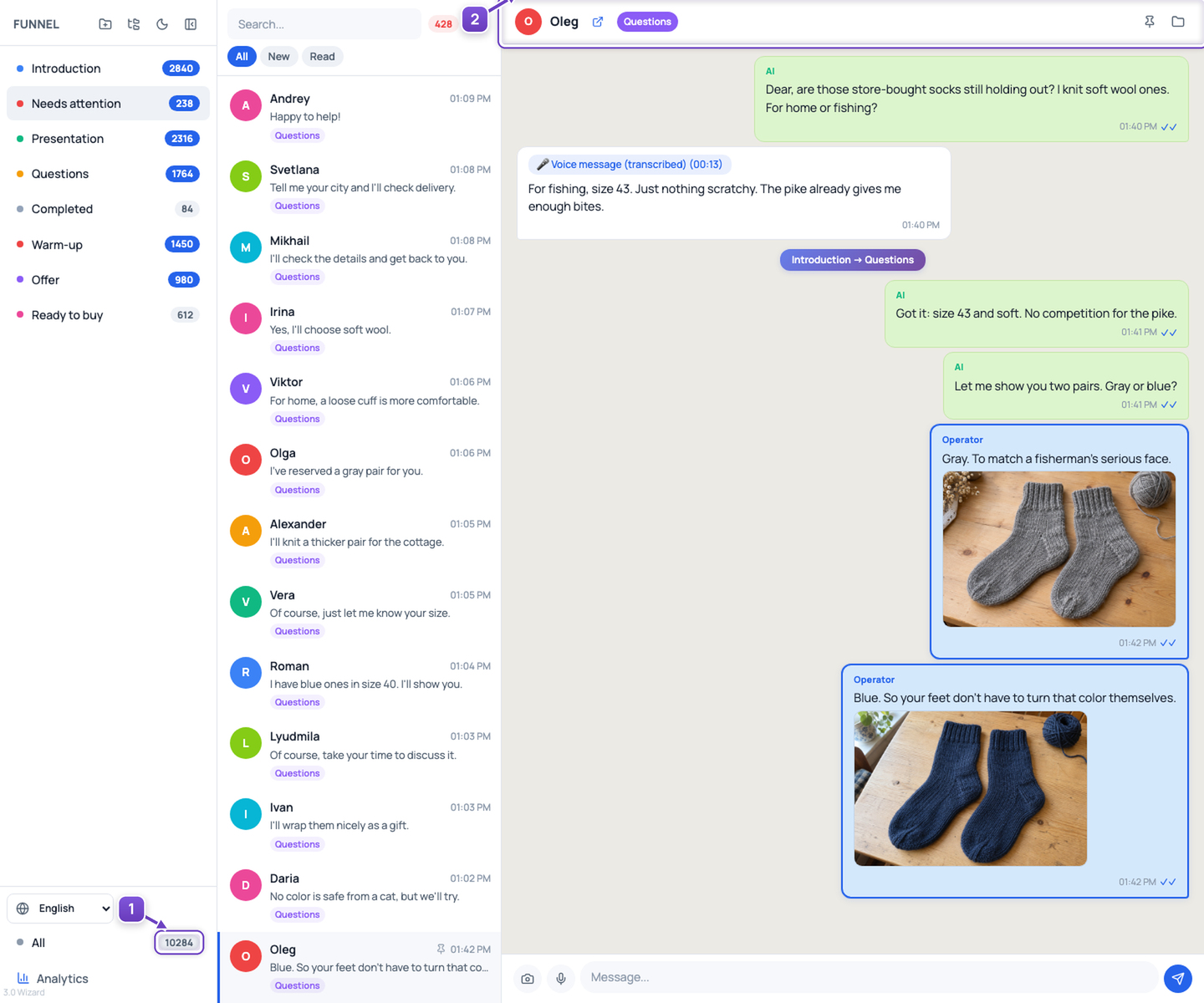
- All conversations and funnel stages.
- The selected person's history: messages, media and stage transitions.
Understand your funnel
Open analytics to see how many people are at each stage and how they move between stages. Find where conversations stall and improve your messages.
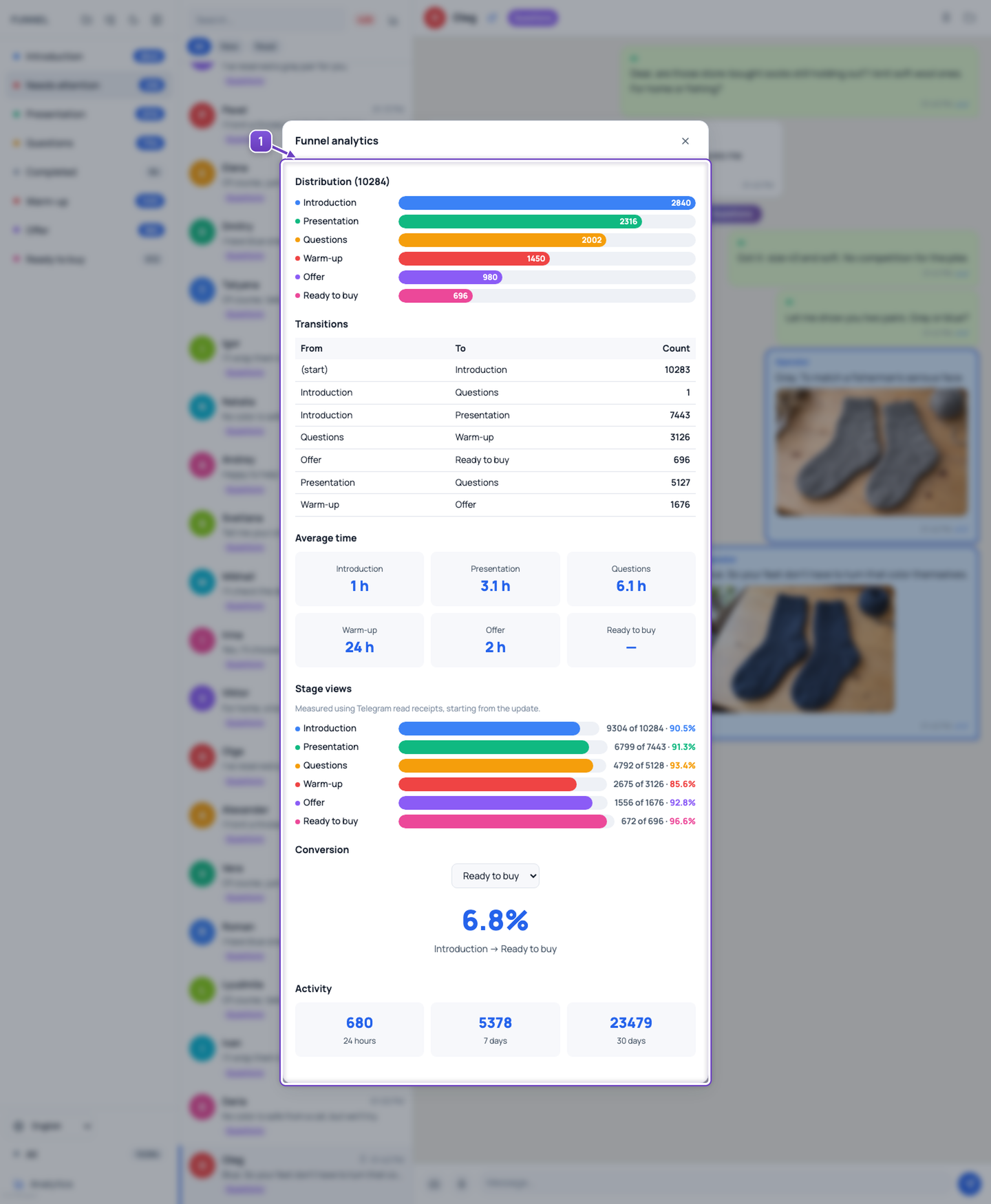
- Funnel-stage results and transitions.
Any device, wherever you are
Open your link in a browser on a MacBook, iPhone or another computer and phone. At home, at work or while travelling, your conversations are available wherever you have internet access. Use the larger screen for the full overview and your phone for quick replies.
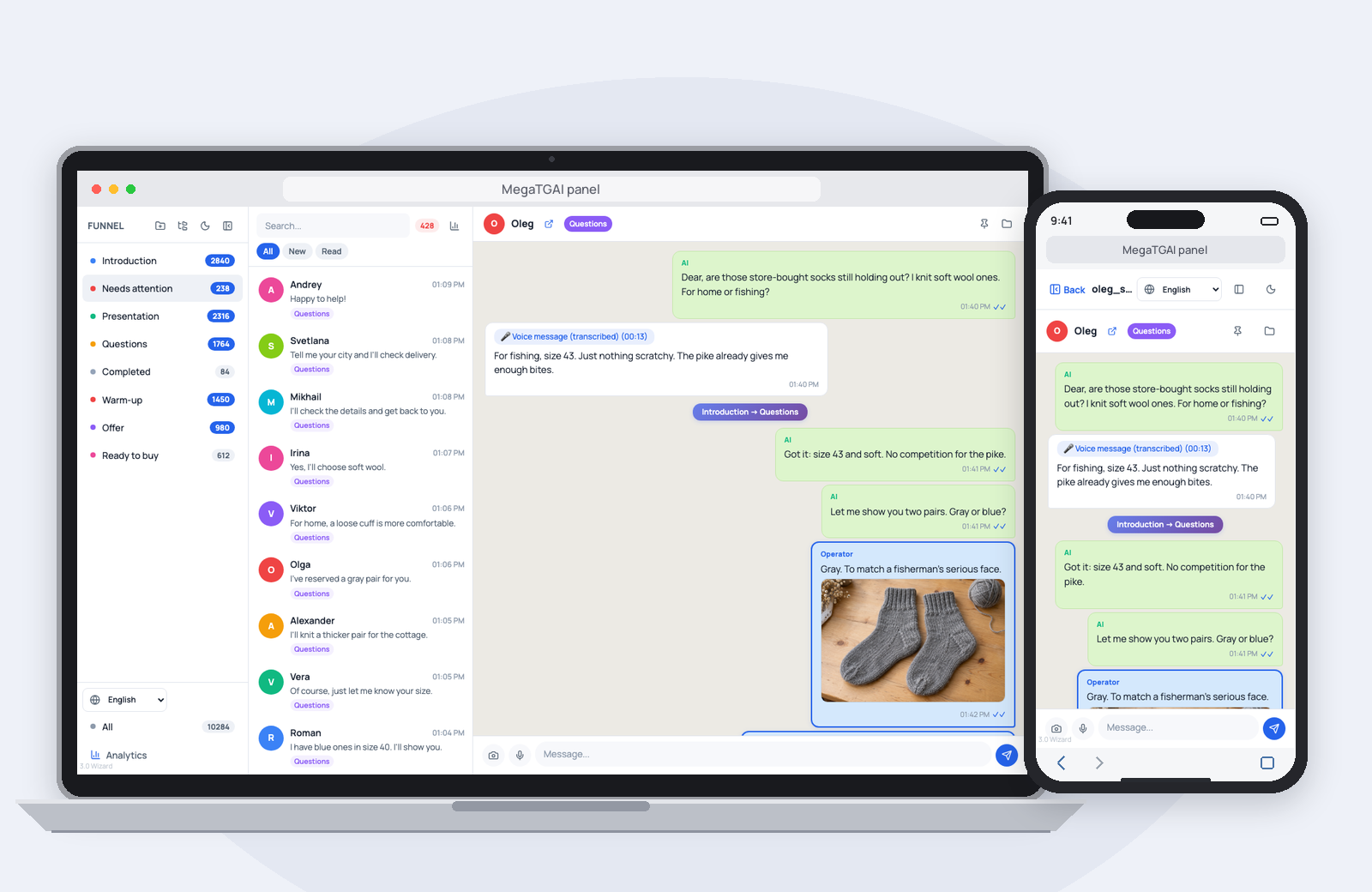
- One browser-based panel, on your computer and phone.
Reply with text or voice
Tap the microphone, record a voice message, listen back and send it. Voice is useful when details are easier to explain aloud. You can also type a reply or attach a photo in the same window.
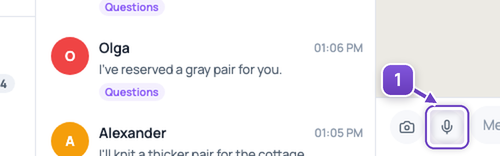
- Record a voice message.
When a person needs to take over, hand the ready lead to a teammate and send a Telegram bot notification with a link to the conversation.
Screenshots show 10,284 demonstration conversations with anonymized names and messages. Synchronization time depends on connectivity and load.