
GetLeads · practice
Articles.
Practical guides to accounts, proxies and working with Telegram.
 Step by step · RU / EN
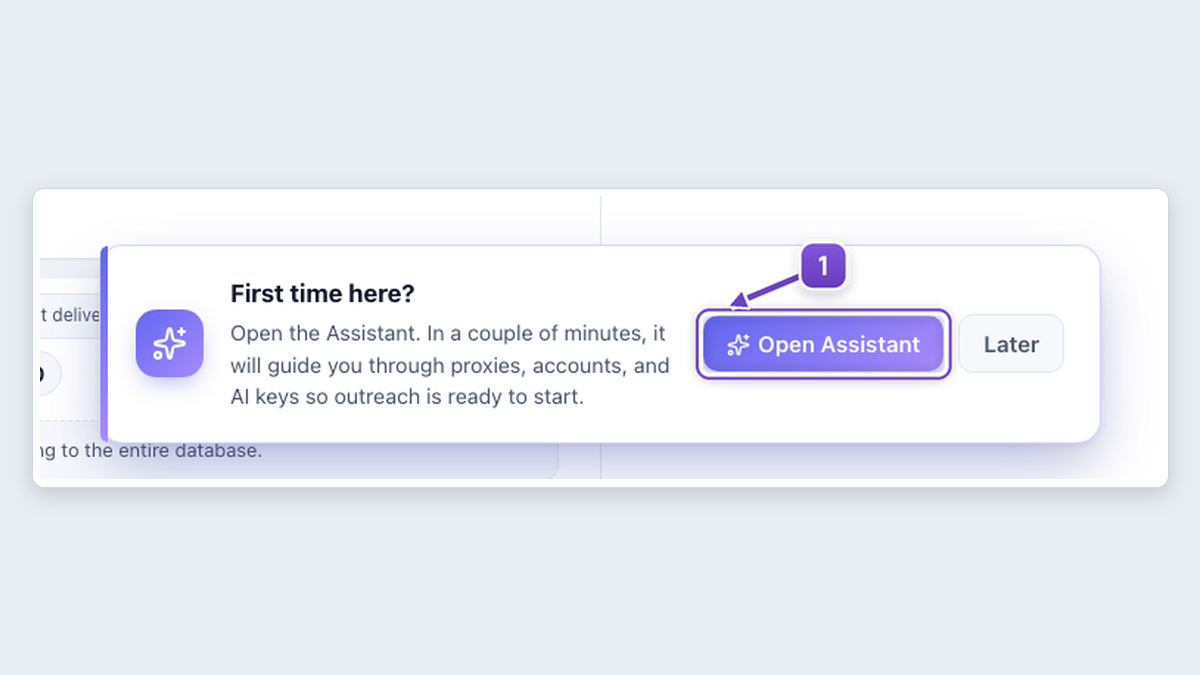
Getting started with MegaTGAI
Assistant and guides by menu: audience, accounts, messaging, invites and communities.
Read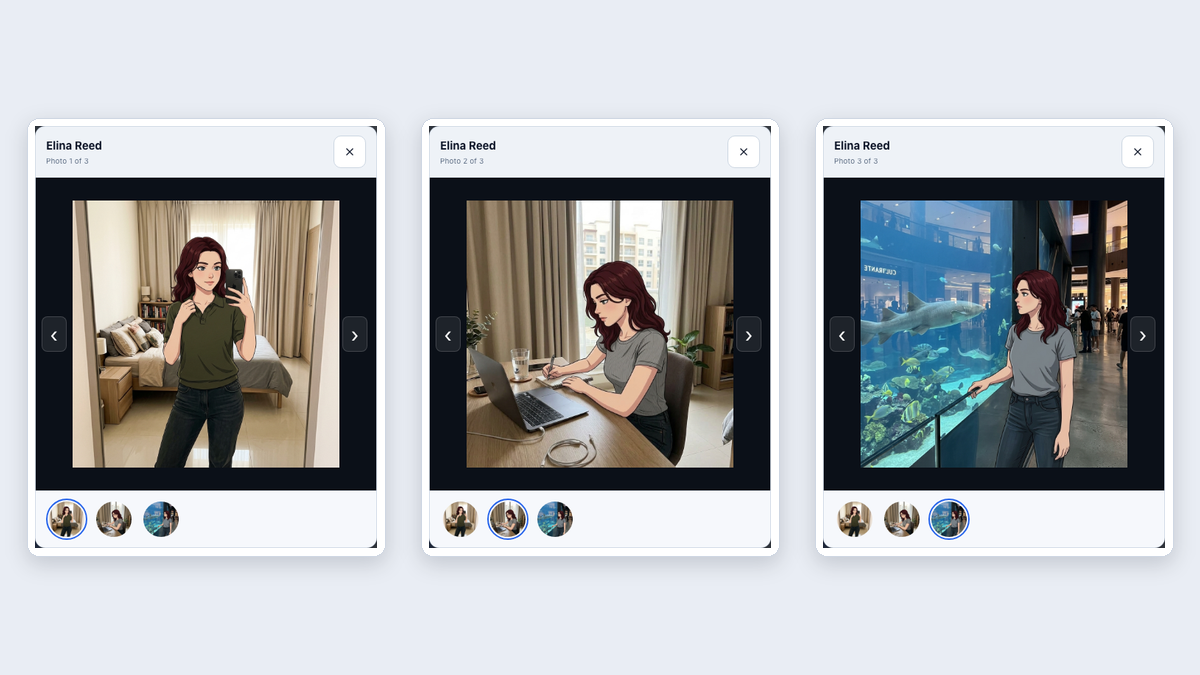 Step by step · RU / EN
Bulk Telegram account setup
Select accounts, choose the changes and start: names, three AI photos per profile and a channel.
Read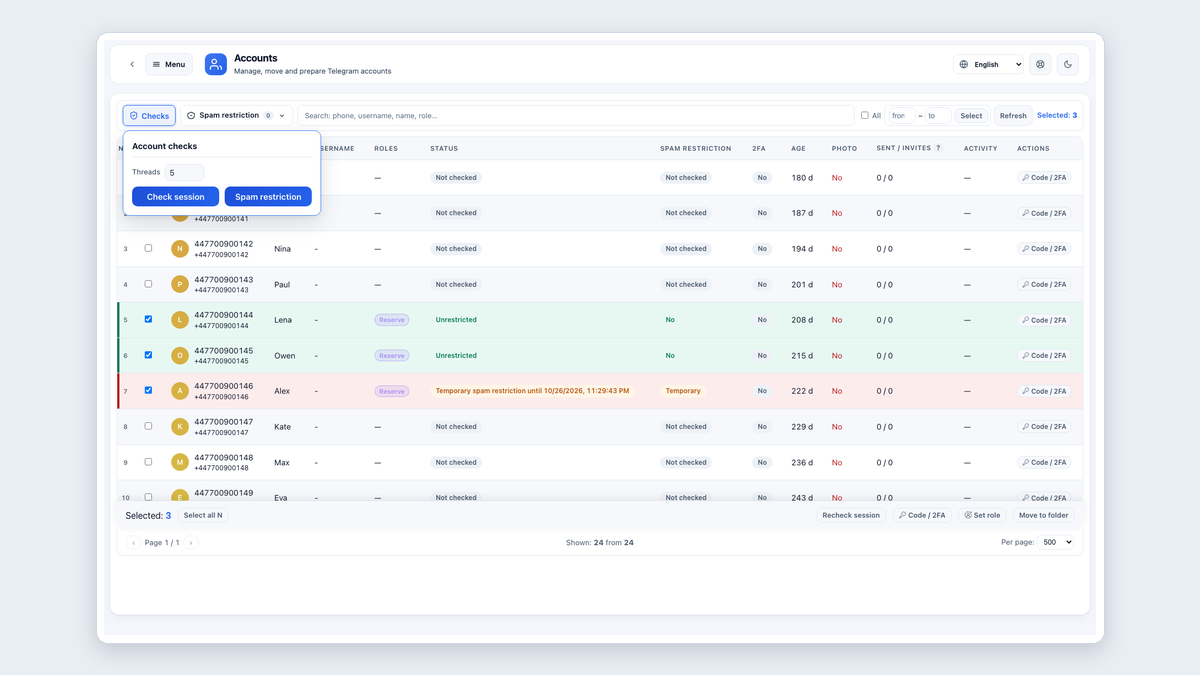 Step by step · RU / EN
Checking and moving accounts
Two complete panels: Shift selection, labels, session and spam checks, and moving to a folder.
Read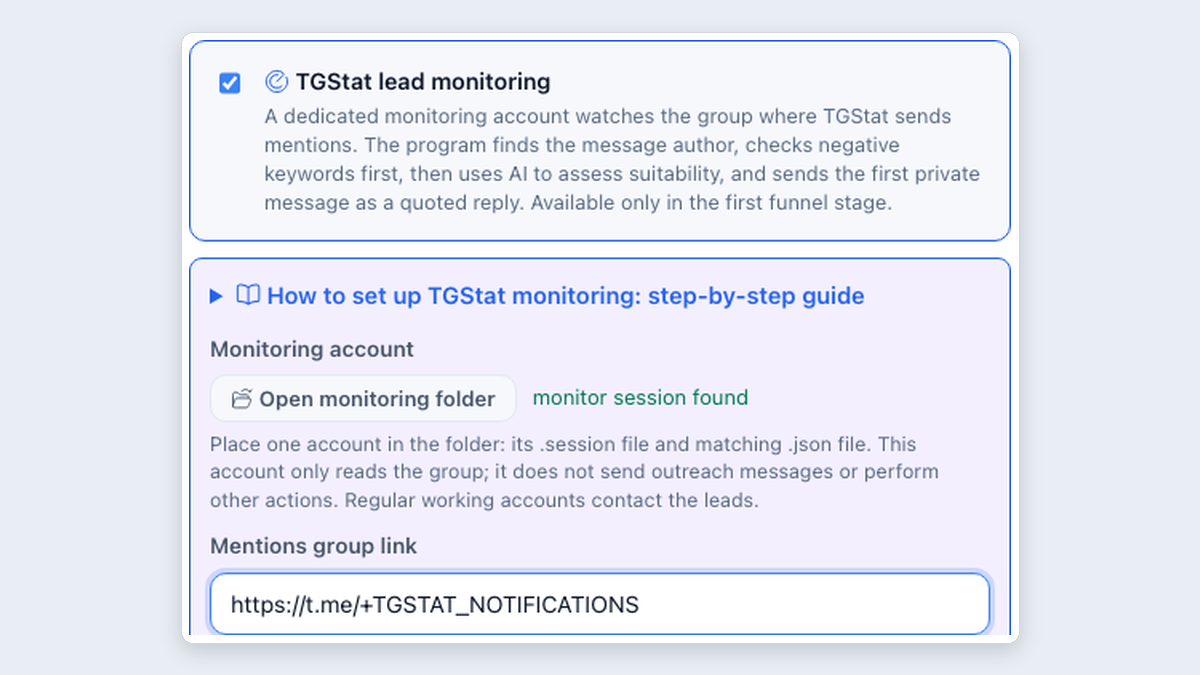 Step by step · RU / EN
TGStat leads: setup in MegaTGAI
Notification group, AI buyer selection and a private reply quoting the request.
Read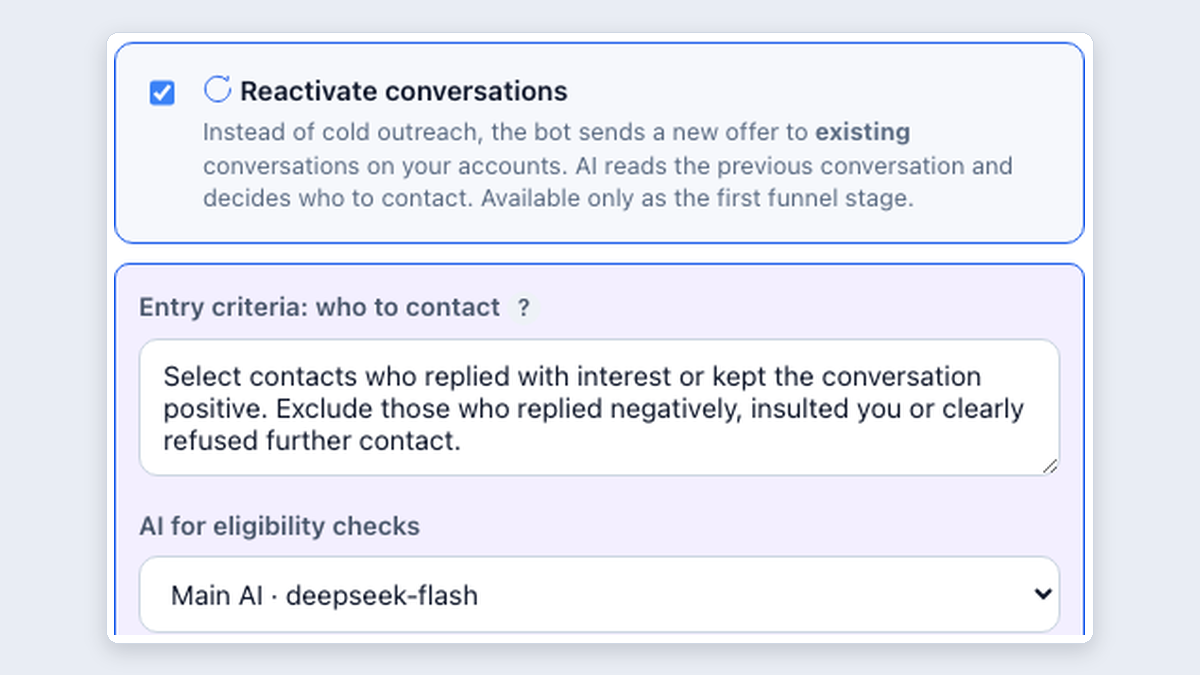 Step by step · RU / EN
Outreach to your existing Telegram conversations
A new offer for existing contacts: AI selects from history and continues the conversation.
Read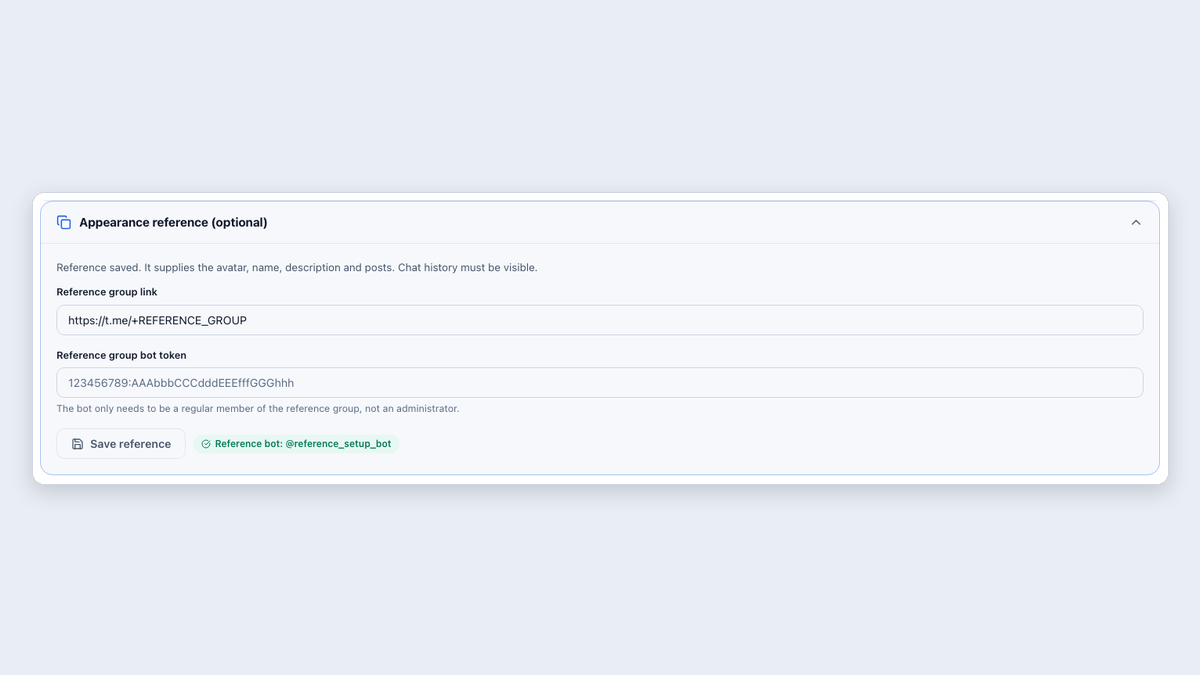 Step by step · RU / EN
Inviting: automatic group setup
One reference, member permissions, visible history and an automatically added cleanup bot.
Read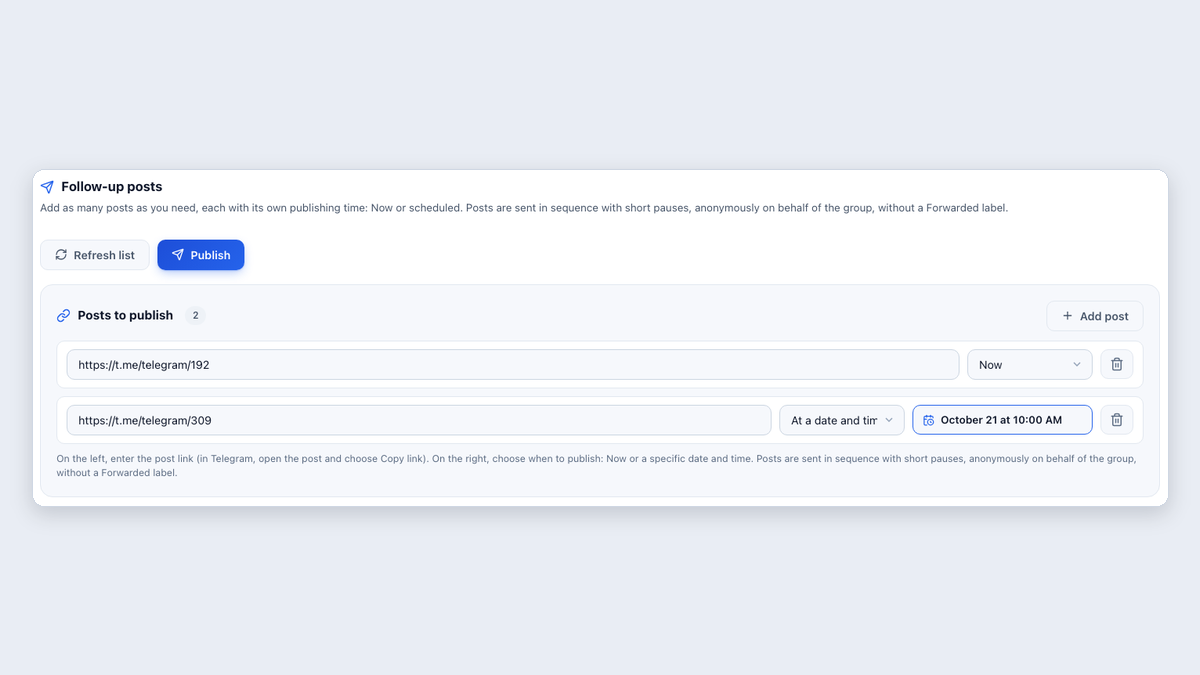 Step by step · RU / EN
Bulk group publishing after inviting
A separate Follow-up posts section: publish prepared posts to every selected group now or on schedule.
Read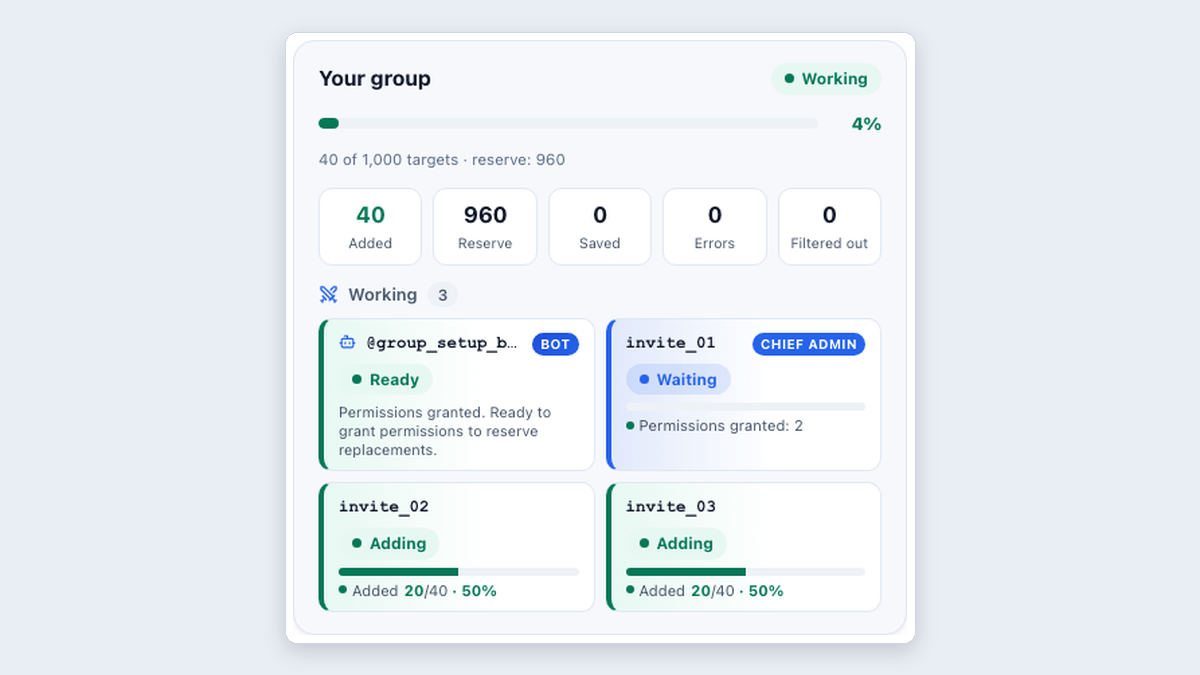 Step by step · RU / EN
Why admin-based invitations need a bot
Administrator appointments, account replacements, group setup and the cleanup bot.
Read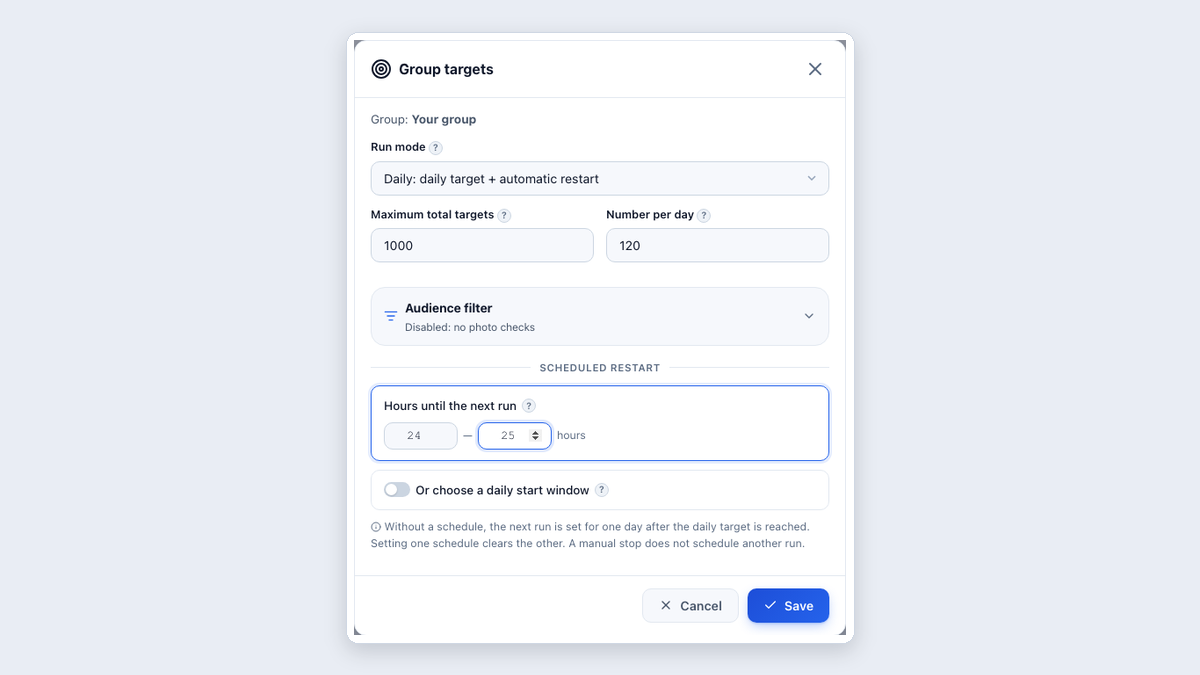 Step by step · RU / EN
Launch invitations: from an existing bot to adding members
Your own or a farmed group: account folder, audience, daily target and repetition on the group card.
Read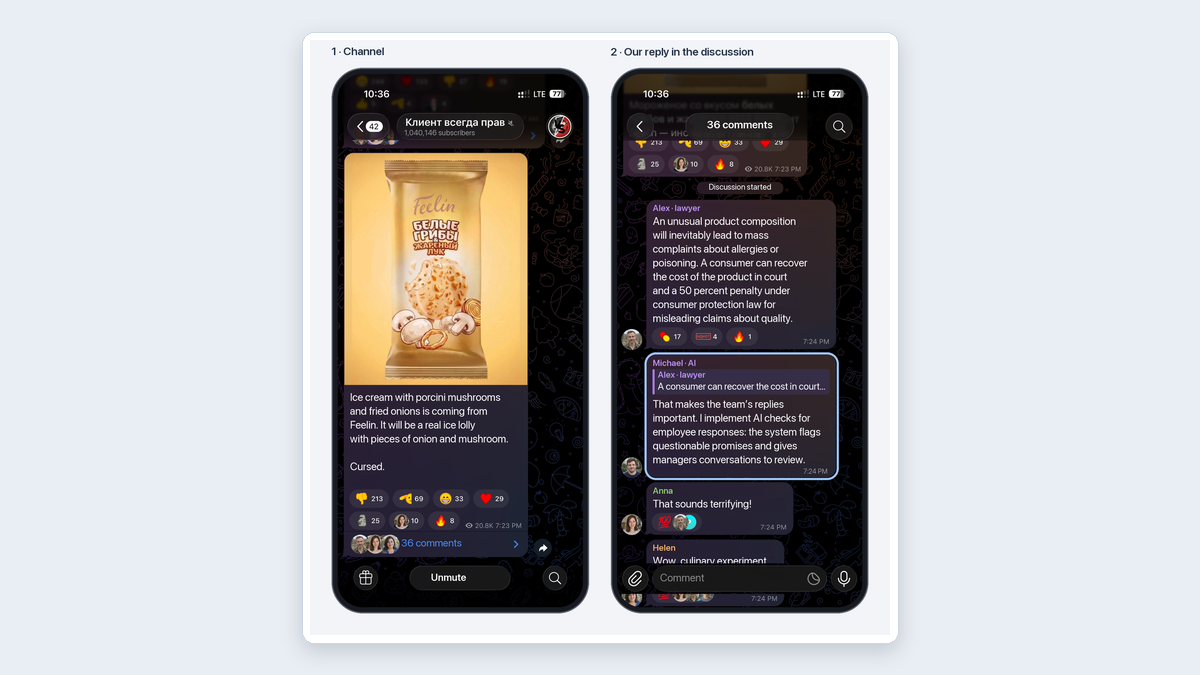 Step by step · RU / EN
AI commenting: from a comment to a potential client
Useful reply → specialist profile → channel. A practical business service example.
Read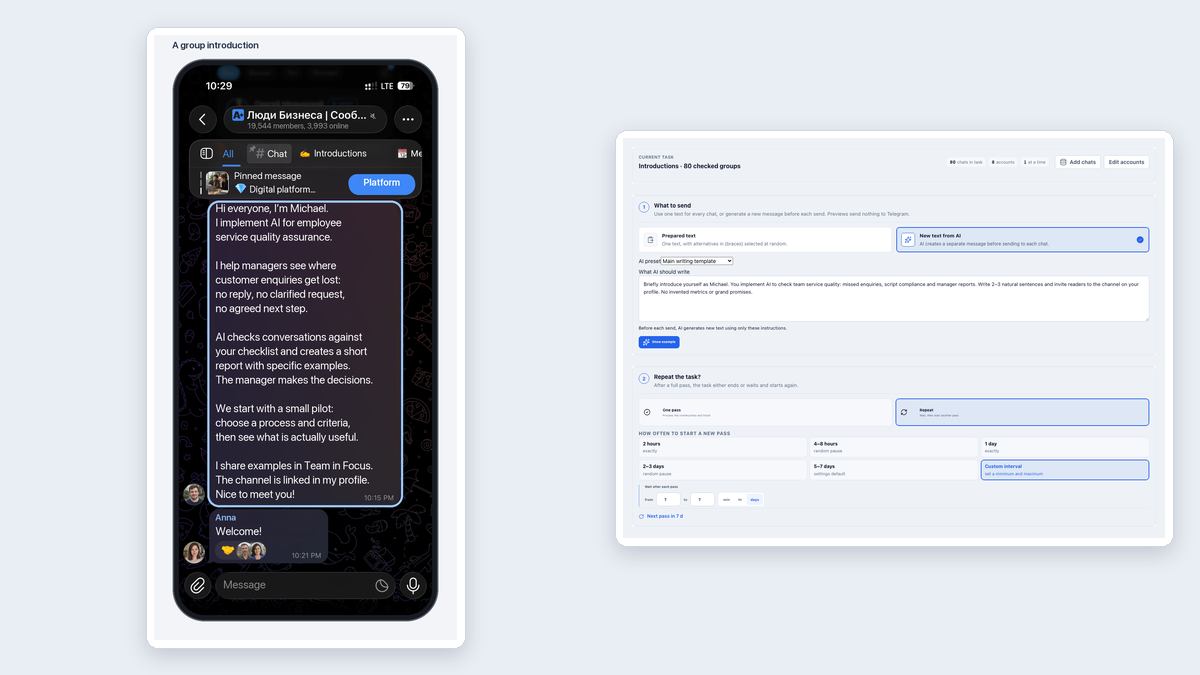 Step by step · RU / EN
Group messaging: different rules, different messages
Divide 300 groups, introduce yourself or offer a service, and configure repetition.
Read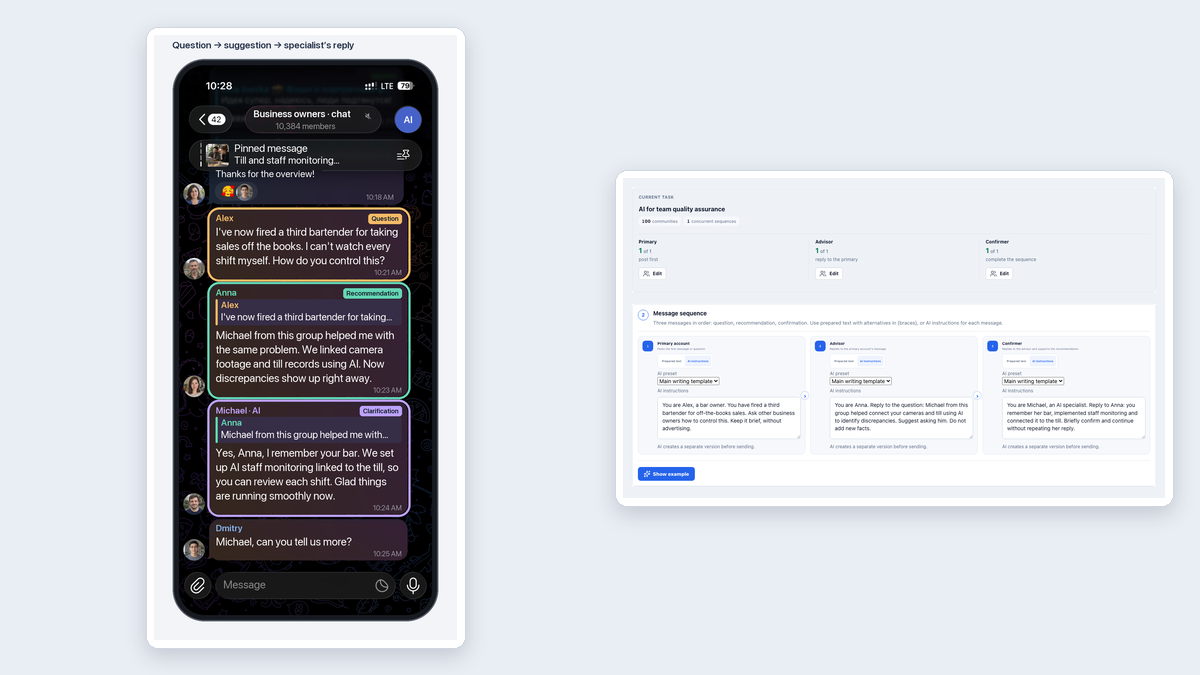 Step by step · RU / EN
Recommendations: a three-message sequence
A question, advice and clarification: a B2B example with three role settings.
Read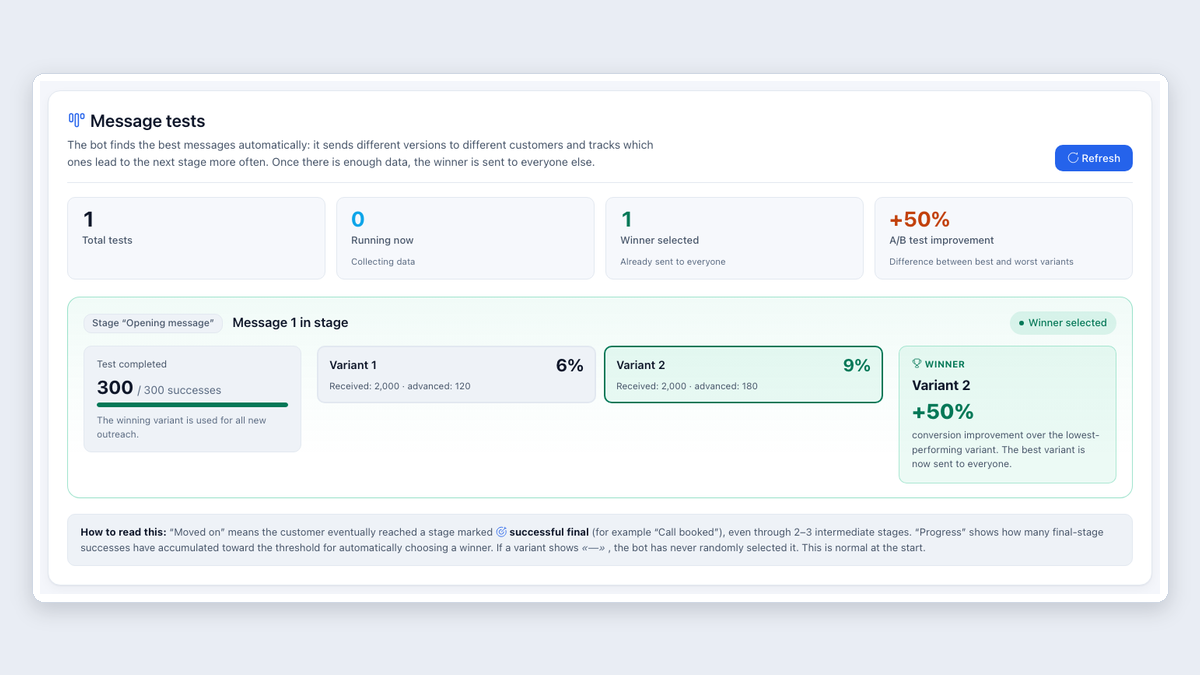 Step by step · RU / EN
A/B testing Telegram outreach
Compare opening messages by successful outcomes and choose based on results, not guesswork.
Read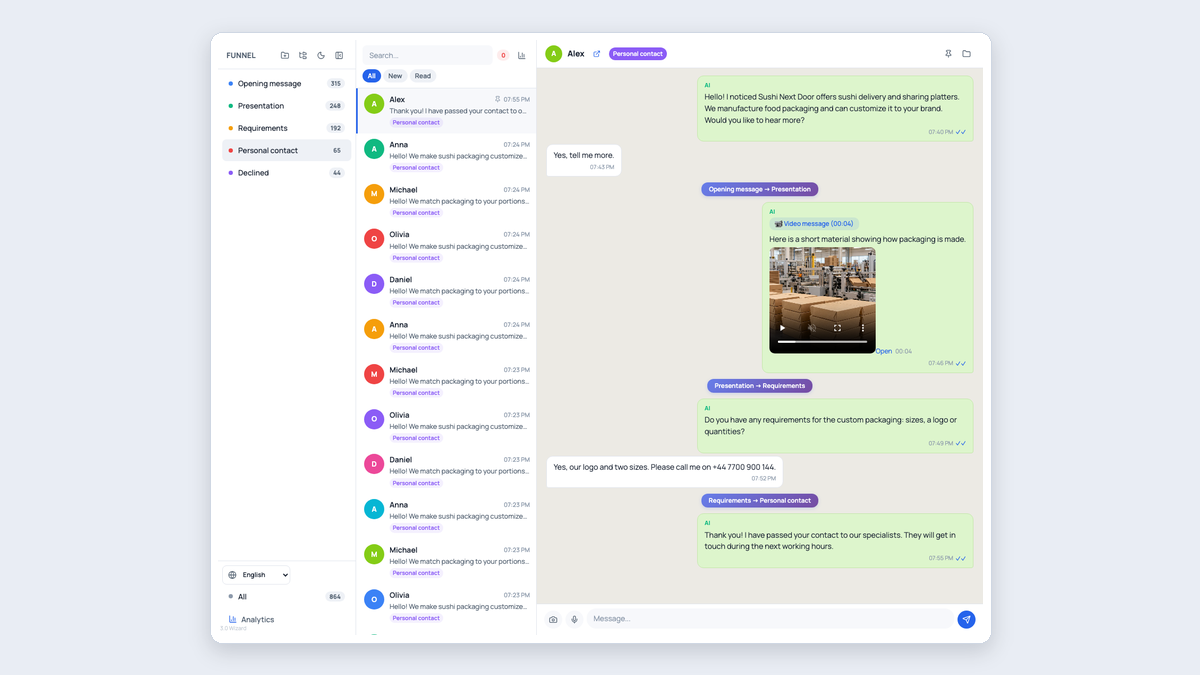 Step by step · RU / EN
Personalized outreach with company context
A ready-to-copy research prompt, context import and a conversation from the opener to a team handoff.
Read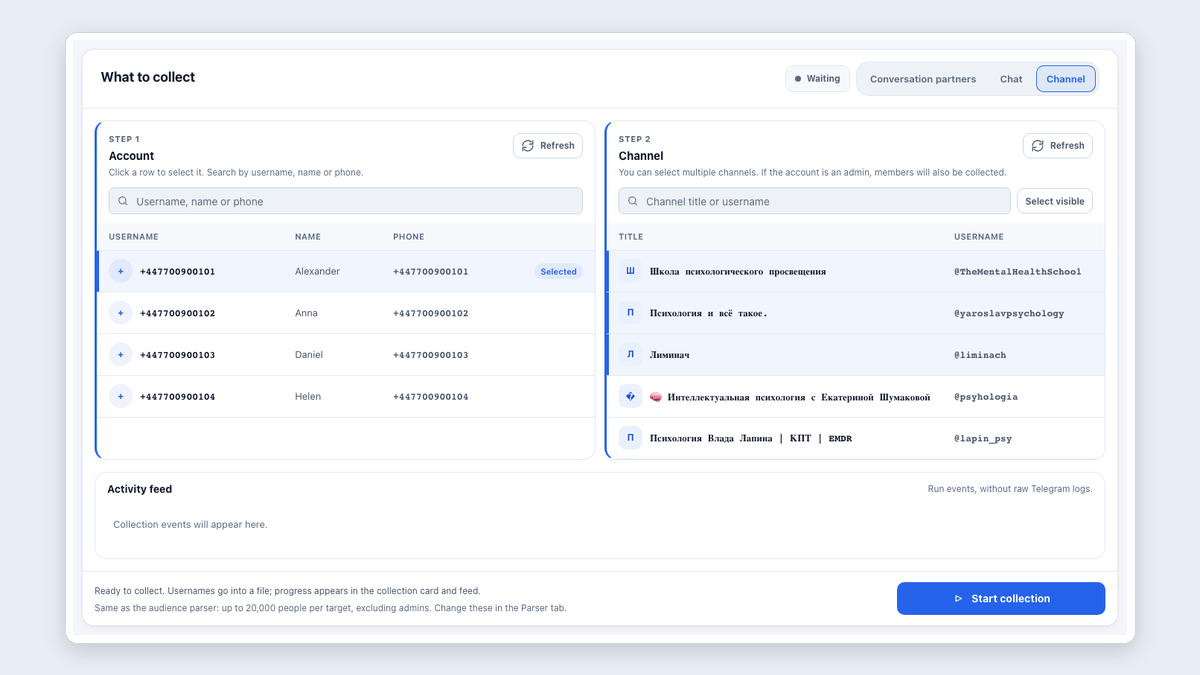 Step by step · RU / EN
Parse Telegram channel members
Select an account and channels, check admin access and download usernames.
Read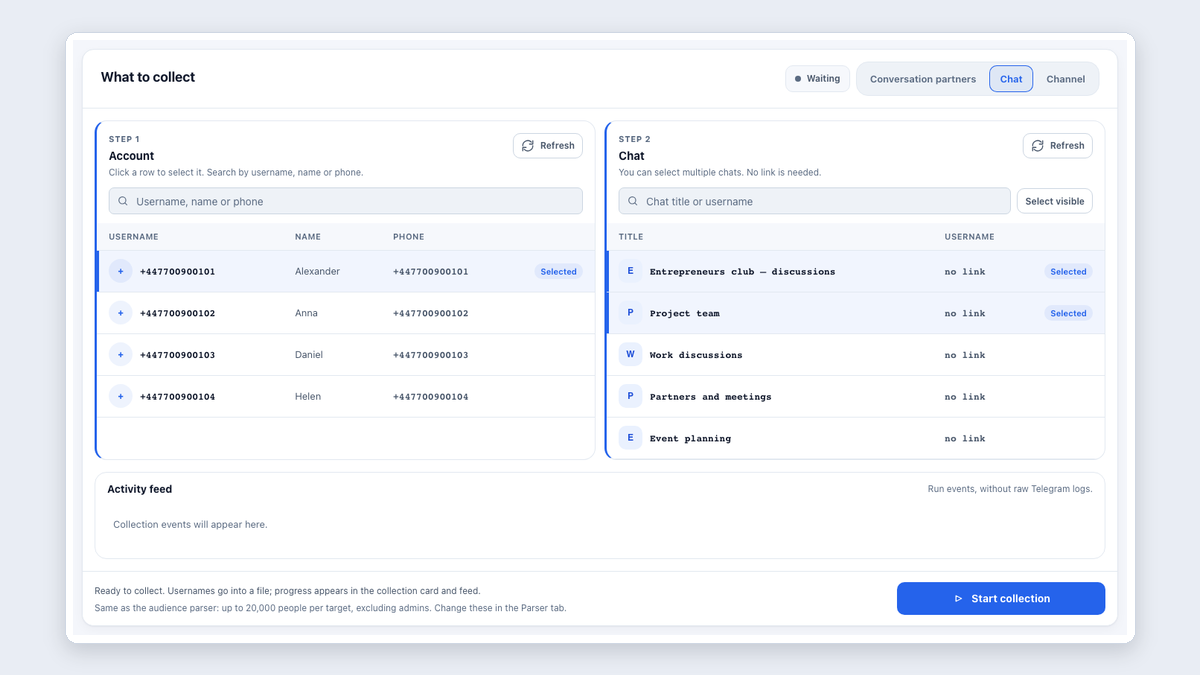 Step by step · RU / EN
Parse a Telegram group without its link
Select a group from your account and collect its audience without finding an invite link.
Read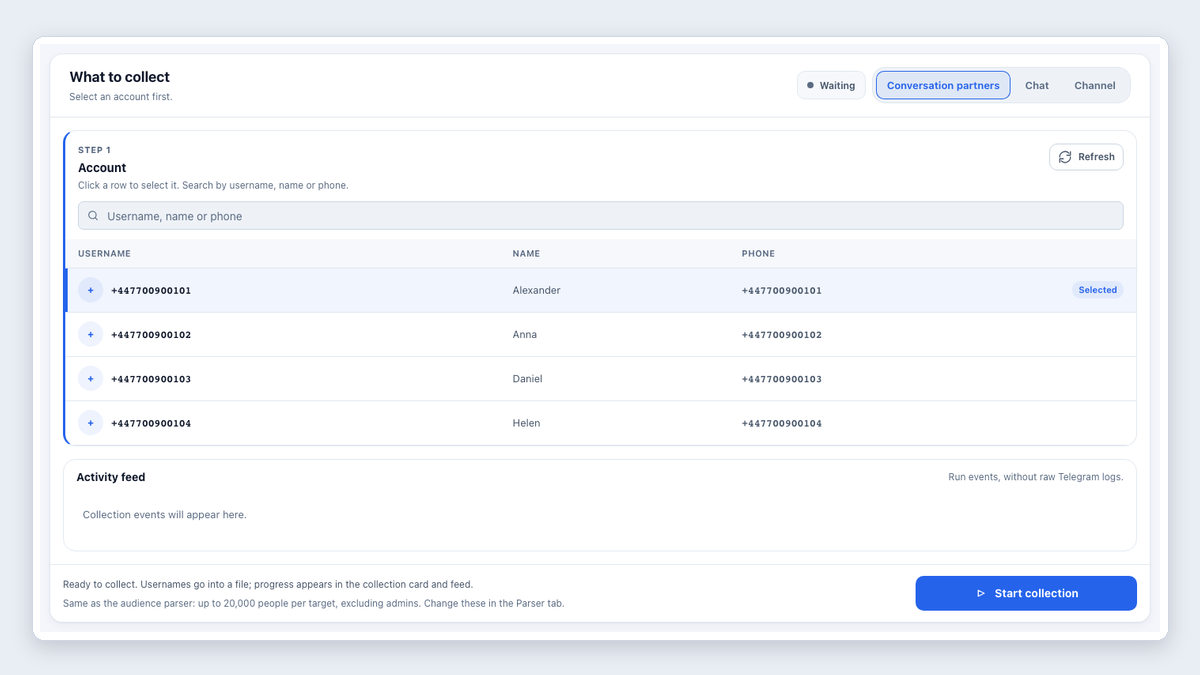 Step by step · RU / EN
Collect contacts from Telegram account conversations
Export usernames from existing conversations to continue working with your customers.
Read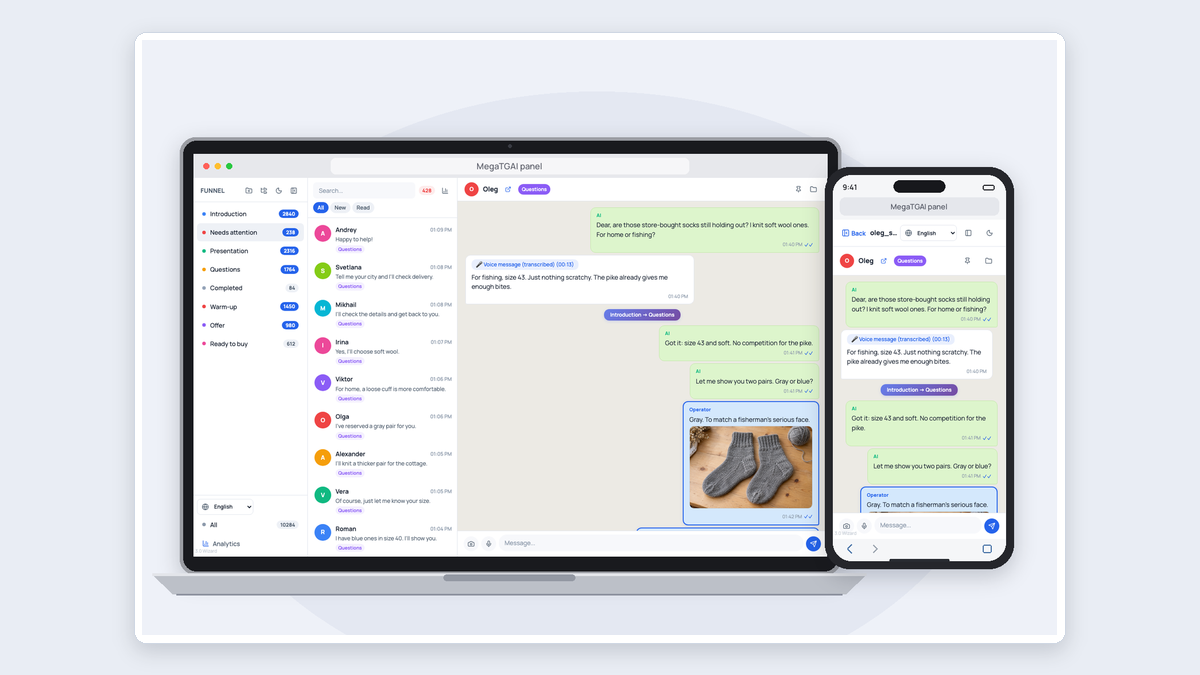 Step by step · RU / EN
Conversations from all Telegram accounts in one panel — Telegram CRM
A large conversation inbox, analytics, voice replies and phone access.
Read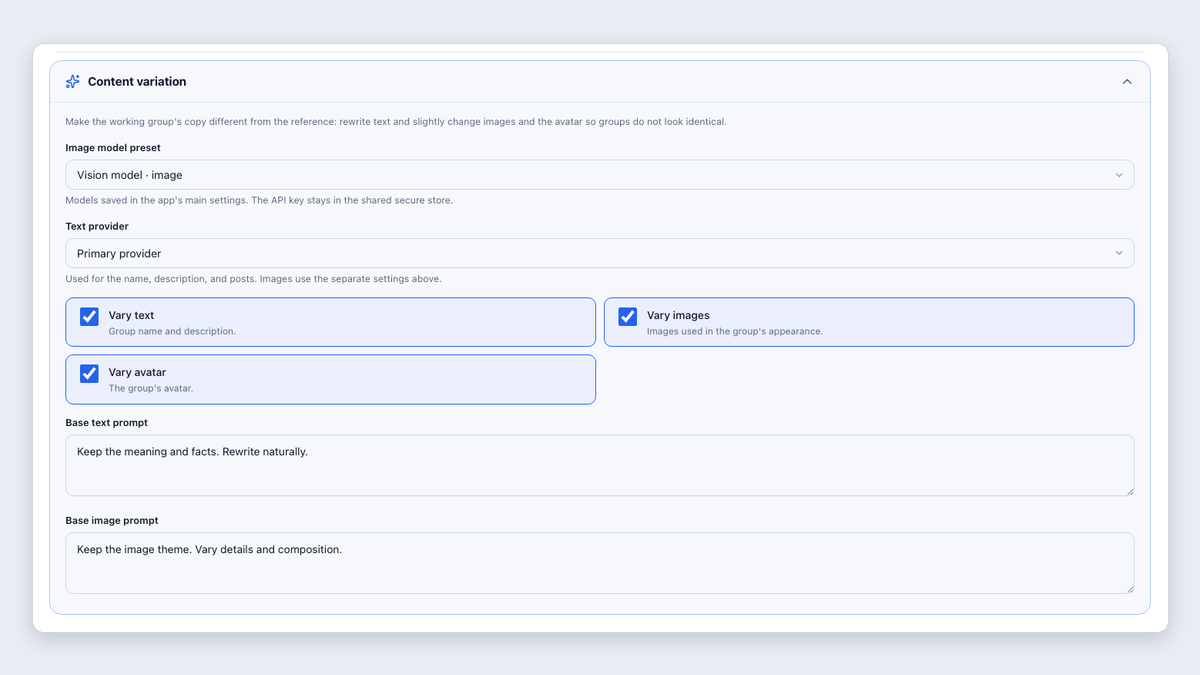 Step by step · RU / EN
Manage Telegram groups with AI
Unique styling, prepared posts and scheduled publishing.
Read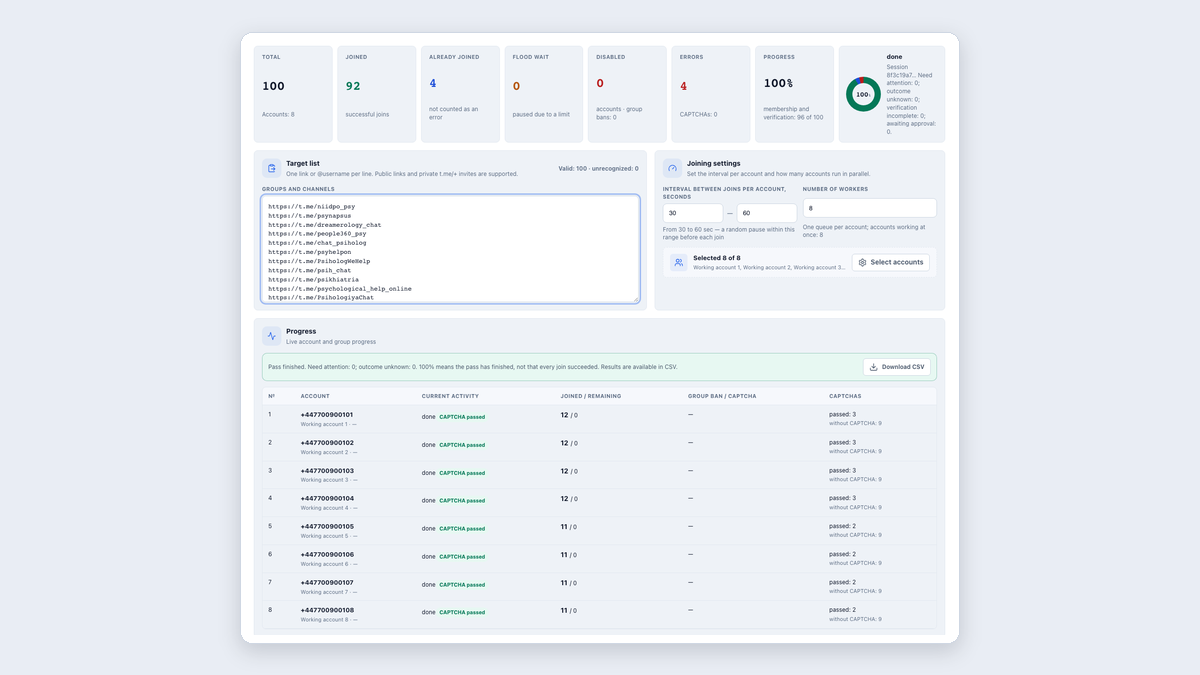 Step by step · RU / EN
Join Telegram groups in bulk
Choose accounts, set a pace and handle captchas automatically.
Read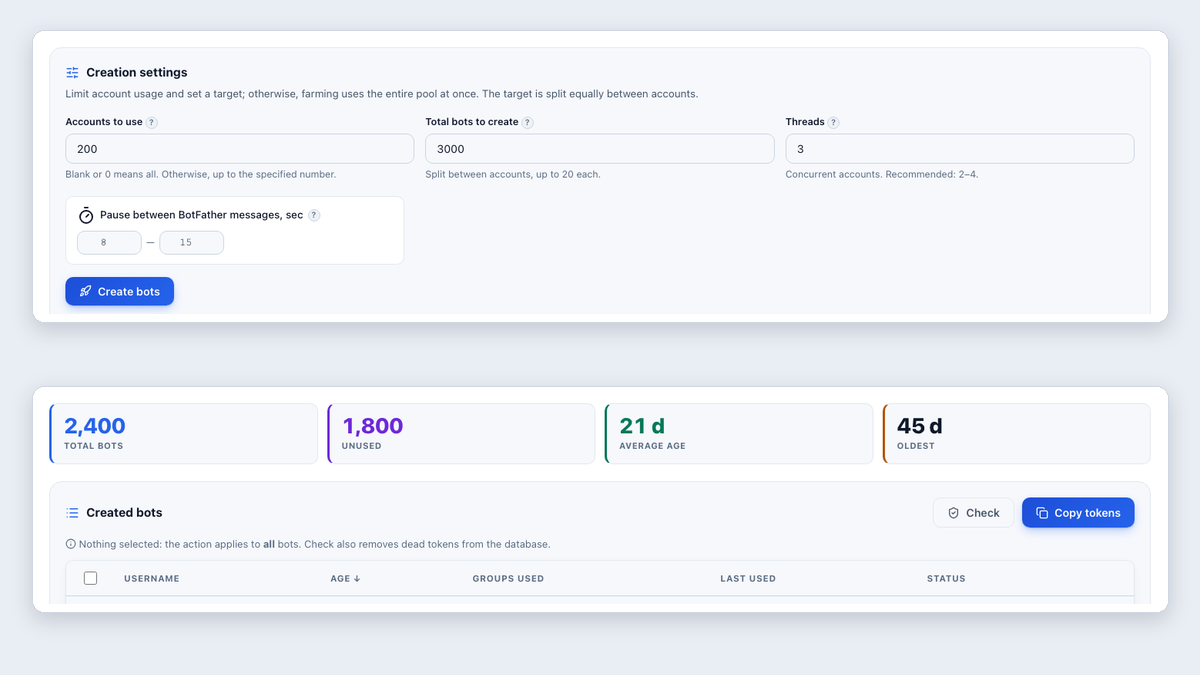 Step by step · RU / EN
Create Telegram bots automatically
Prepare bots for inviting and group setup without creating each one manually.
Read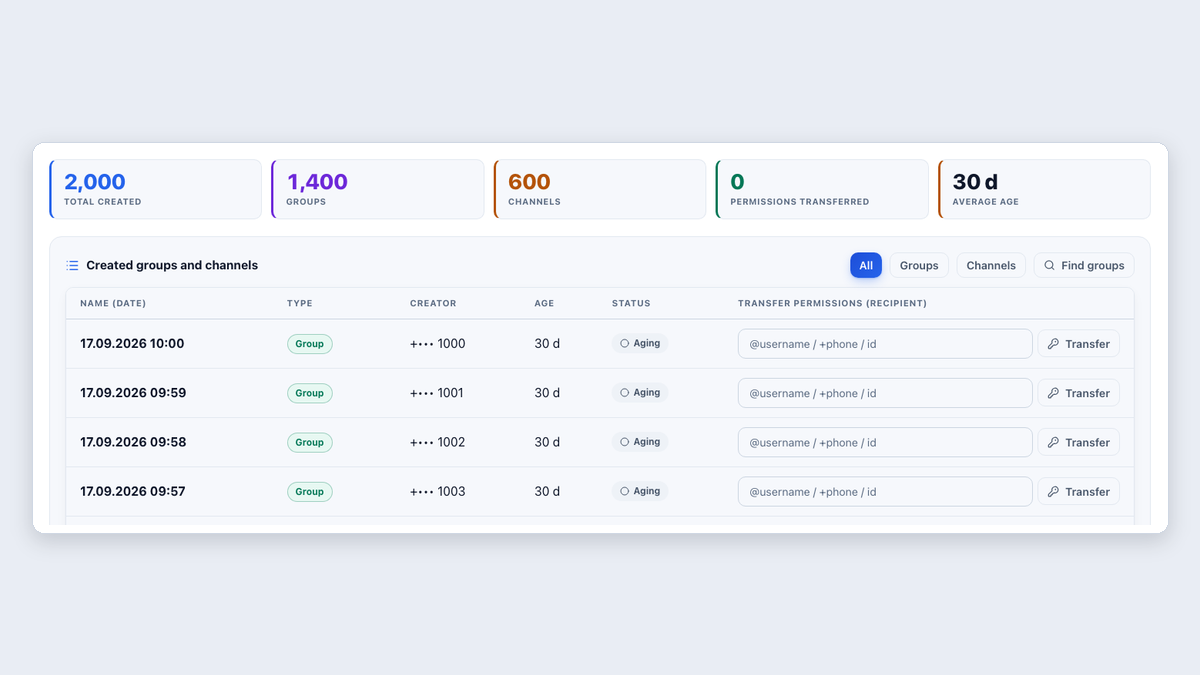 Step by step · RU / EN
Create Telegram groups and channels automatically
Create resources and hold them to age for inviting, your own projects or resale.
Read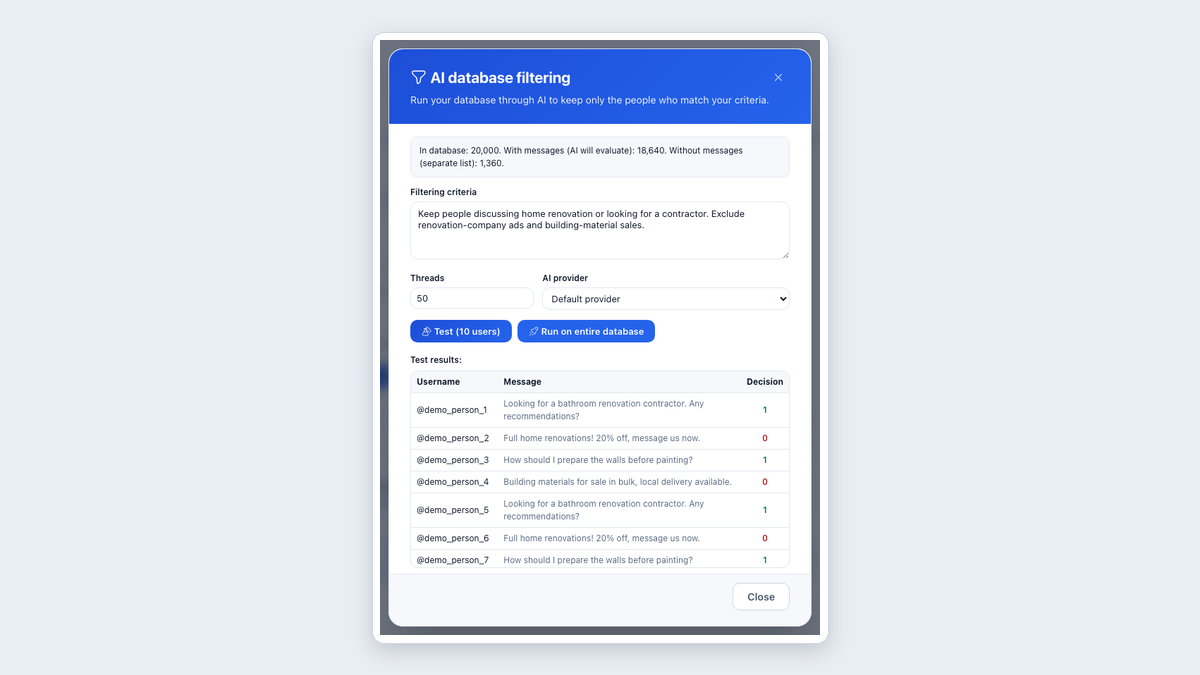 Step by step · RU / EN
Collect Telegram audiences and filter by message context
Collect people from groups and channels, then select the relevant ones based on what they wrote.
Read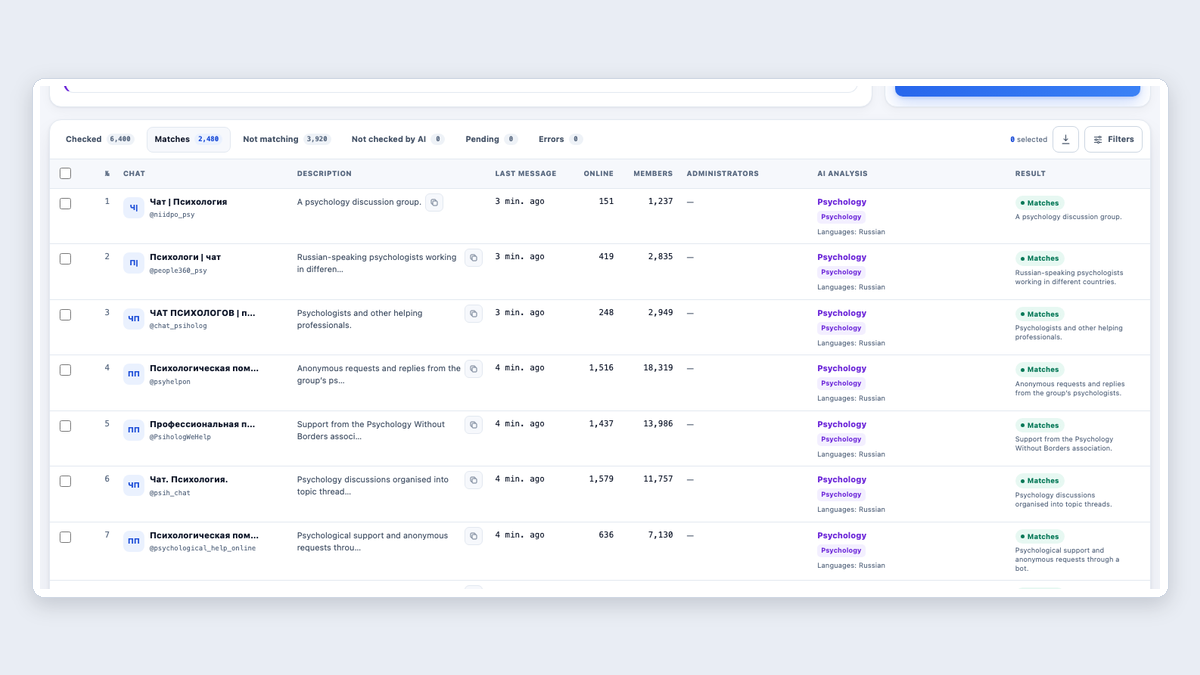 Step by step · RU / EN
Analyze Telegram group lists with AI
Remove ad-heavy and irrelevant groups. Check activity and topics, then export the useful communities.
Read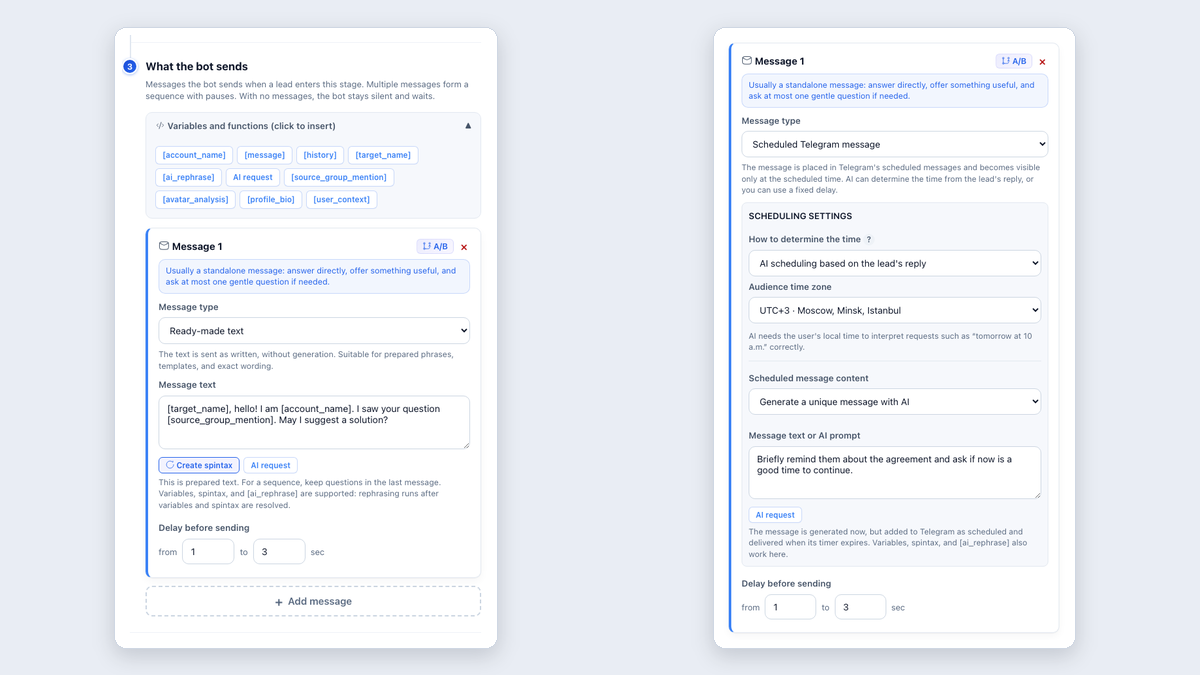 Step by step · RU / EN
MegaTGAI features for Telegram messages
What MegaTGAI messaging can do and why each feature is useful, in plain language.
Read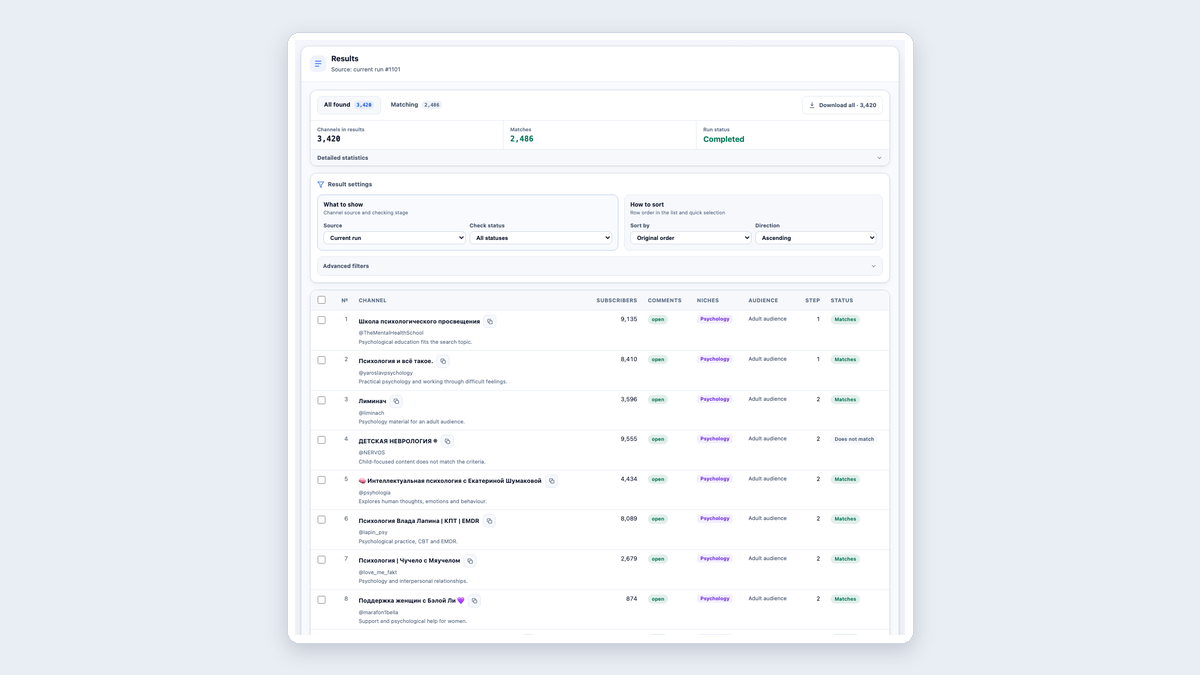 Step by step · RU / EN
Find and select Telegram channels with AI
A seed channel → AI criteria → a relevant shortlist. A short illustrated guide.
Read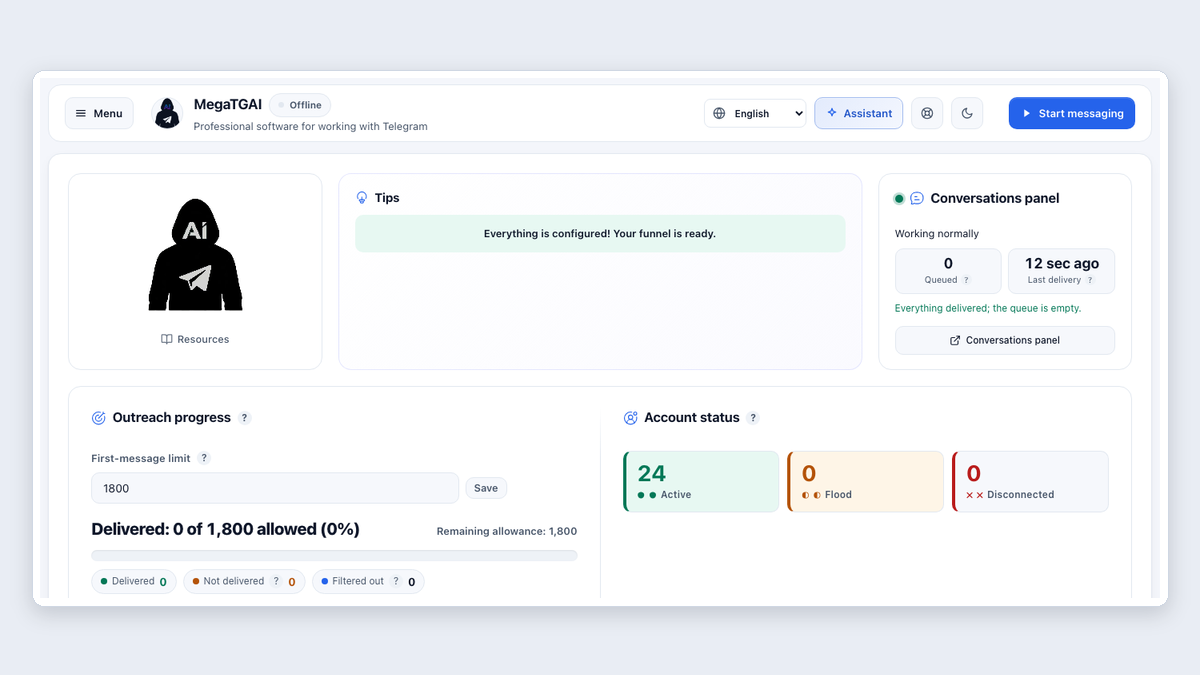 Step by step · RU / EN
How to launch a Telegram messaging campaign with MegaTGAI
Setup assistant, AI funnel, audience collection and launch. Short steps with numbered screenshots and arrows.
Read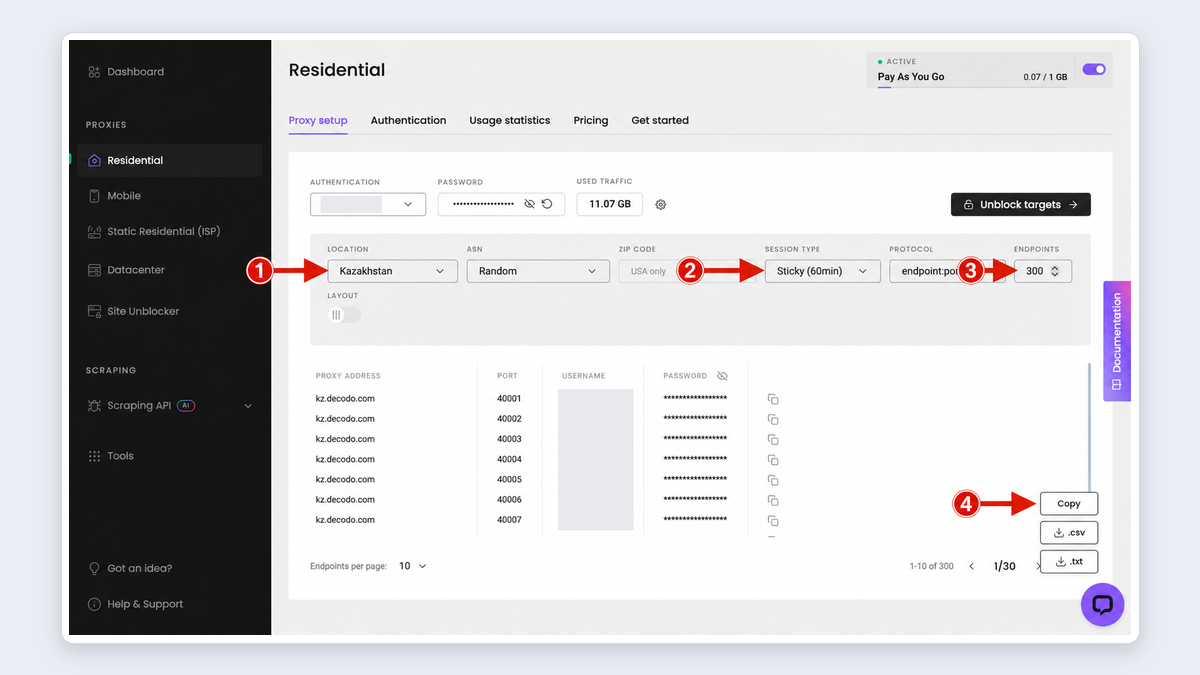 Published October 16, 2026
Where to buy residential proxies for Telegram messaging and inviting
Pay for traffic, use residential IPs and copy your proxies into the software. Follow the screenshots to get started.
Read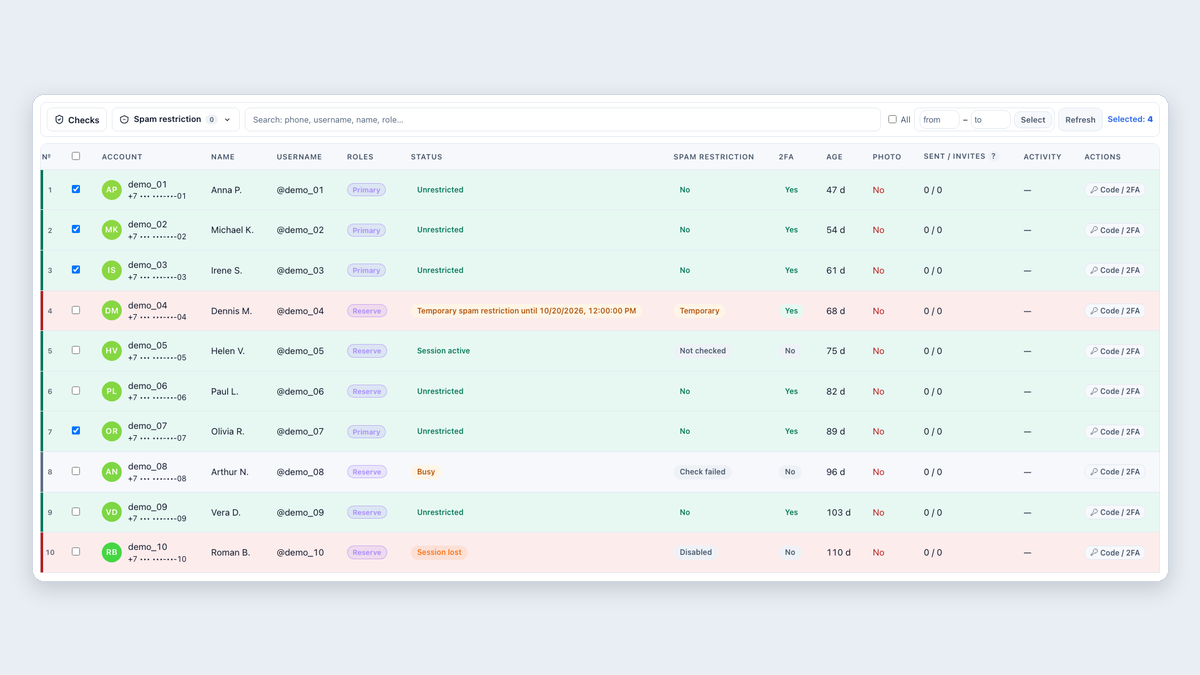 Updated September 24, 2026
Where to buy Telegram accounts
Stores, automated sales bots and what to check before paying.
Read